

Tokenization: turning text into useful units
Explore tokenization, punctuation and special-character handling.
Read moreFollow the components of a conversational application, from message processing to context and response handling.
Author
Content and editorial review team
Prepared by the Kinetis editorial team to explain NLP clearly and practically.
A chatbot combines several components that process input, manage context and produce a response. Its architecture defines how those parts interact and what happens when something fails.
Trace the data from a user message to the final answer. Understanding each stage helps you evaluate a system and decide which responsibilities belong where.
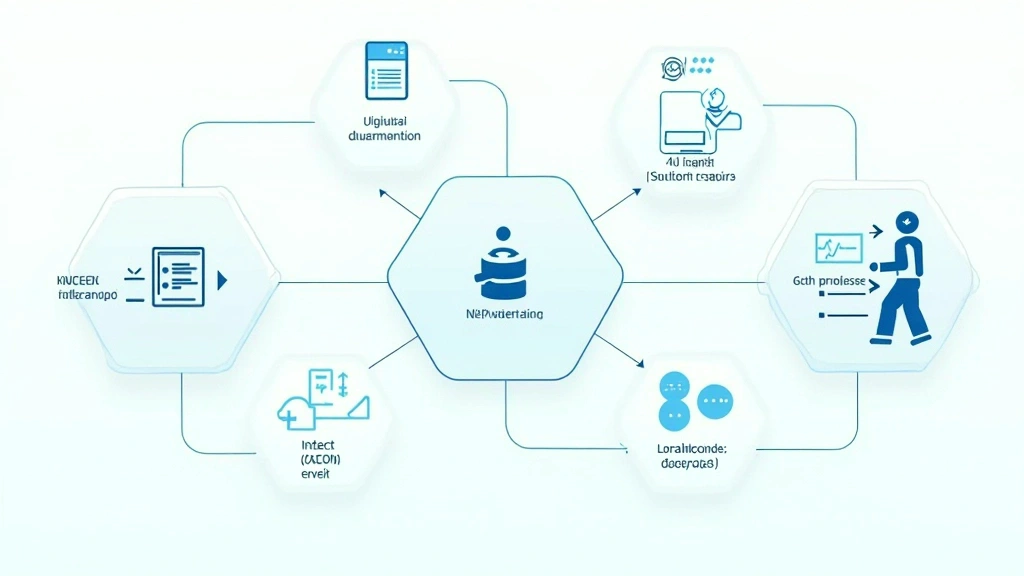

An NLP component estimates what a message means for the application’s task. It may use rules, classifiers or language models, and it can make mistakes.
A system may tokenize the message and identify an intent. For example, a question about an order’s status may be routed to an order-tracking workflow.
Entity extraction identifies relevant details such as an order number. Validate important values before using them to retrieve data or perform an action.
Conversation state helps relate a new message to earlier turns. The system must decide what information to retain and how to use it reliably.
Short-term context may include recent messages and the current task. If a user asks to change an address and then says use the Toronto one, the system needs enough context to clarify the intended address.
Longer-term information may come from an account or external system. Retain only what is needed, with appropriate access controls and privacy handling.


After processing a request, the application must choose an appropriate response or action. It should also handle uncertainty and requests outside its scope.
Templates provide controlled wording, while generative models allow more varied responses. The right choice depends on the task and the cost of an incorrect answer.
A system can combine controlled workflows with generated explanations. Verify critical information and keep action permissions separate from text generation.
A useful chatbot is clear about what it can do and when it needs help.
Many applications need access to real information, such as order records or an approved knowledge base. Integrations determine which tasks the chatbot can support.
Retrieval and action interfaces should handle errors, timeouts and data freshness. Important operations may also require confirmation and an audit trail.
Authenticate users and enforce permissions in the application, not only in the model prompt. Limit access to the information and actions required for the task.
Language processing, context, response handling and integrations need to work together. A failure in one stage can affect the entire experience.
Use the architecture to ask practical questions: where does information come from, how is it checked, and what happens when the system is uncertain?
Important note: This article is educational. Real chatbot deployments need additional security, privacy, accessibility and compliance review appropriate to the application.
Related resources for further learning
Explore tokenization, punctuation and special-character handling.
Read more
Learn about sentiment methods, applications and limitations.
Read more
Explore neural language model foundations and Transformer concepts.
Read more